Workplace Ergonomics Guide for Safer, Pain-Free Work

Work should not leave you with a stiff neck, sore wrists, tired eyes, or lower back pain every day. I have seen many people blame long hours when the real issue is a workstation that does not fit the body. That is why workplace ergonomics safety tips matter in offices, remote work setups, warehouses, clinics, retail stores, and industrial spaces across the US.
Ergonomics means designing the job, tools, workstation, and daily habits around the physical abilities of the human body. When work supports neutral posture, safe lifting, better lighting, and regular movement, it can reduce the risk of musculoskeletal disorders, also called MSDs, while improving comfort, focus, employee wellness, and productivity.
What Does Workplace Ergonomics Mean?
Workplace ergonomics means fitting the job to the person instead of forcing the person to adjust to a poor setup. In an office, that may involve chair height, monitor placement, keyboard position, mouse reach, lighting, and screen breaks. In manual work, it may involve lifting technique, tool grip, vibration protection, cart use, work height, and task rotation.
Think of ergonomics as prevention before pain. If a task repeatedly forces you to bend, twist, reach, grip too hard, sit too long, or look down at a screen, your body will eventually complain.
How Should You Set Up an Ergonomic Desk and Chair?
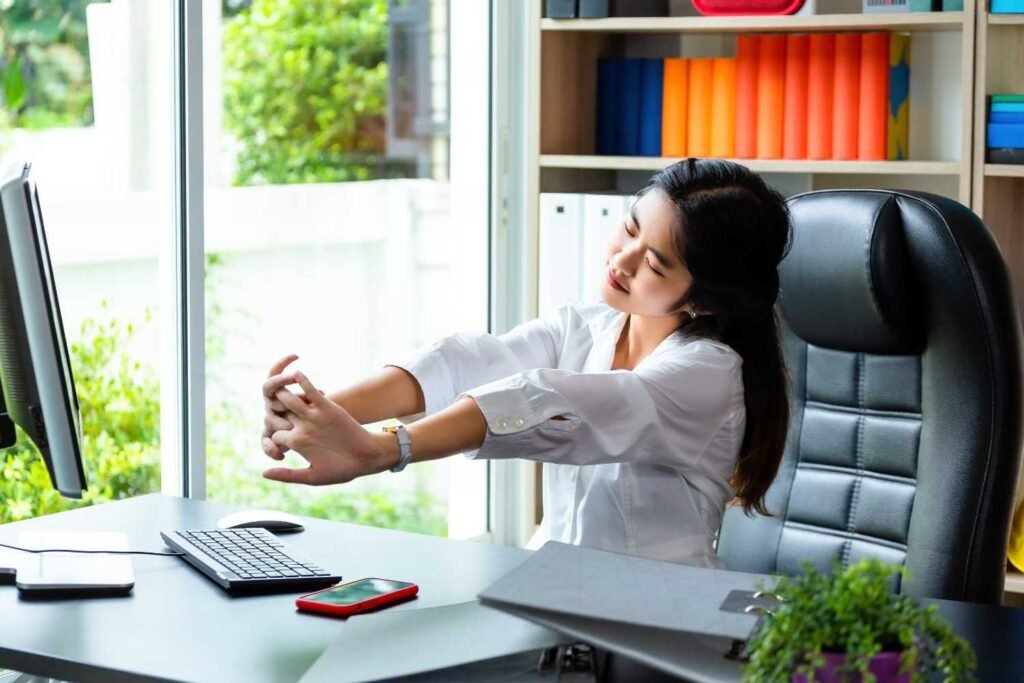
A safe office workstation starts with neutral body posture. The 90-90-90 rule is a simple check: your knees, hips, and elbows should sit close to a 90-degree angle while you work. Keep your feet flat on the floor, or use a sturdy footrest if your feet dangle.
Sit all the way back in your chair so the backrest supports the natural curve of your lower spine. Keep your shoulders relaxed. Place your monitor directly in front of you, about an arm’s length away, with the top of the screen at or slightly below eye level.
Your keyboard and mouse should stay on the same surface and close enough that your arms do not overreach. Keep your wrists straight while typing or clicking. If you take long calls, avoid cradling a phone between your neck and shoulder. Use a headset or speaker option instead.
What Daily Habits Reduce Ergonomic Pain at Work?
Even good posture becomes a problem if you hold it too long. The best workplace ergonomics safety tips are not only about equipment; they are also about movement and pacing.
Use the 30/30 principle as a simple reset. For every 30 minutes of sitting, spend at least 30 seconds standing, stretching, or walking. For screen-heavy work, use the 20-20-20 rule. Every 20 minutes, look at something about 20 feet away for at least 20 seconds to reduce digital eye strain.
Task rotation also matters. If your job includes repetitive typing, scanning, lifting, packing, tool use, or data entry, alternate tasks when possible.
A workplace hazard identification checklist can also help teams spot repeated reaching, awkward postures, and unsafe workstation habits before they lead to pain or injury. Keep high-frequency items within easy forward reach so supplies do not force repeated twisting or stretching.
How Can Workers Lift and Handle Materials Safely?

Poor lifting is one of the fastest ways to injure your back. Before lifting, check the weight, shape, distance, and path. Keep your back straight, bend at the knees, and push upward with your leg muscles instead of pulling with your upper body. Hold the load close to your torso because a load held away from the body puts more stress on your spine.
Avoid twisting while carrying heavy items. Move your feet and turn your whole body instead. If a load is too heavy, awkward, unstable, or over 50 pounds, use a two-person lift or a mechanical aid such as a cart, dolly, pallet jack, or hoist.
How Does the Work Environment Affect Ergonomics?
The surrounding workspace can either support or weaken ergonomic safety. Arrange screens perpendicular to windows when possible and use adjustable blinds to reduce glare. Poor lighting can make you lean forward, squint, or hold your neck in an awkward position.
Clutter also increases strain, so keep the main work zone clear and place common items close to your body. For workers who use pneumatic tools, grinders, drills, or other vibrating equipment, vibration-dampening gloves can help reduce stress on the hands and nerves. Tools should fit the hand, allow a neutral wrist, and reduce unnecessary force.
What Should Employers Do to Improve Ergonomic Safety?
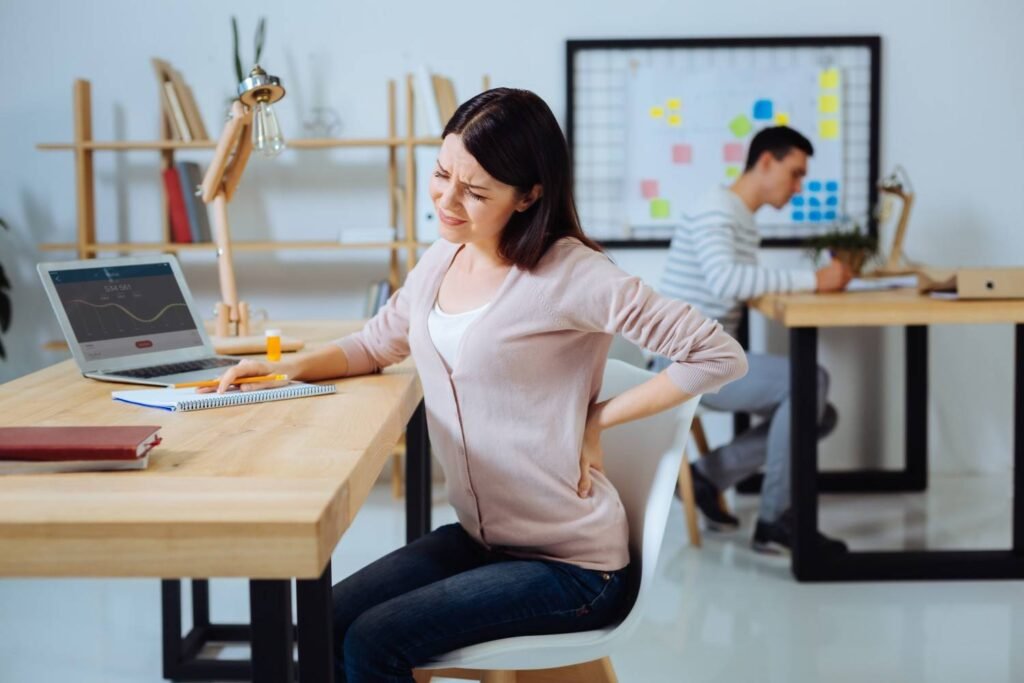
Employers should treat ergonomics as a workplace safety priority, not a comfort bonus. A strong ergonomics program starts with listening to workers because employees often know which tasks cause pain, fatigue, awkward posture, or repetitive strain before an injury appears.
Training should show employees how to adjust workstations, report discomfort early, lift safely, use equipment, and identify ergonomic hazards. Employers can improve safety with adjustable chairs, monitor arms, anti-fatigue mats, mechanical lifting aids, better tool design, job rotation, and practical workstation assessments.
What Are the Best Ergonomics Tips for Remote Workers?
Remote workers often use kitchen chairs, couches, beds, or low tables, which can create neck, shoulder, back, and wrist pain. If you use a laptop for long hours, raise the screen to eye level and use a separate keyboard and mouse. Sit in a supportive chair, keep your feet flat, avoid soft surfaces that collapse your posture, and set reminders to move.
FAQs About Ergonomic Safety at Work
1. What is the most important ergonomic rule at work?
Keep your body neutral and avoid repeated bending, twisting, reaching, and forceful movement.
2. Can poor ergonomics cause long-term injuries?
Yes, poor ergonomics can contribute to back pain, neck strain, carpal tunnel syndrome, repetitive strain injuries, and other MSDs.
3. How often should I take breaks from computer work?
Move briefly every 30 minutes and rest your eyes with the 20-20-20 rule during long screen sessions.
4. What is the best ergonomic setup for office workers?
Keep your feet flat, back supported, monitor at eye level, keyboard and mouse close, wrists straight, and common items within easy reach.
Final Thoughts
Ergonomics works best when small improvements become daily habits. Adjust your chair, support your back, raise your screen, keep tools close, move often, lift with control, reduce glare, and report discomfort before it becomes serious.
When employees and employers work together, workplace ergonomics safety tips can reduce strain, prevent injuries, and create a healthier, safer workplace.