Best Music Production Software in 2026: Top DAWs for Every Creator
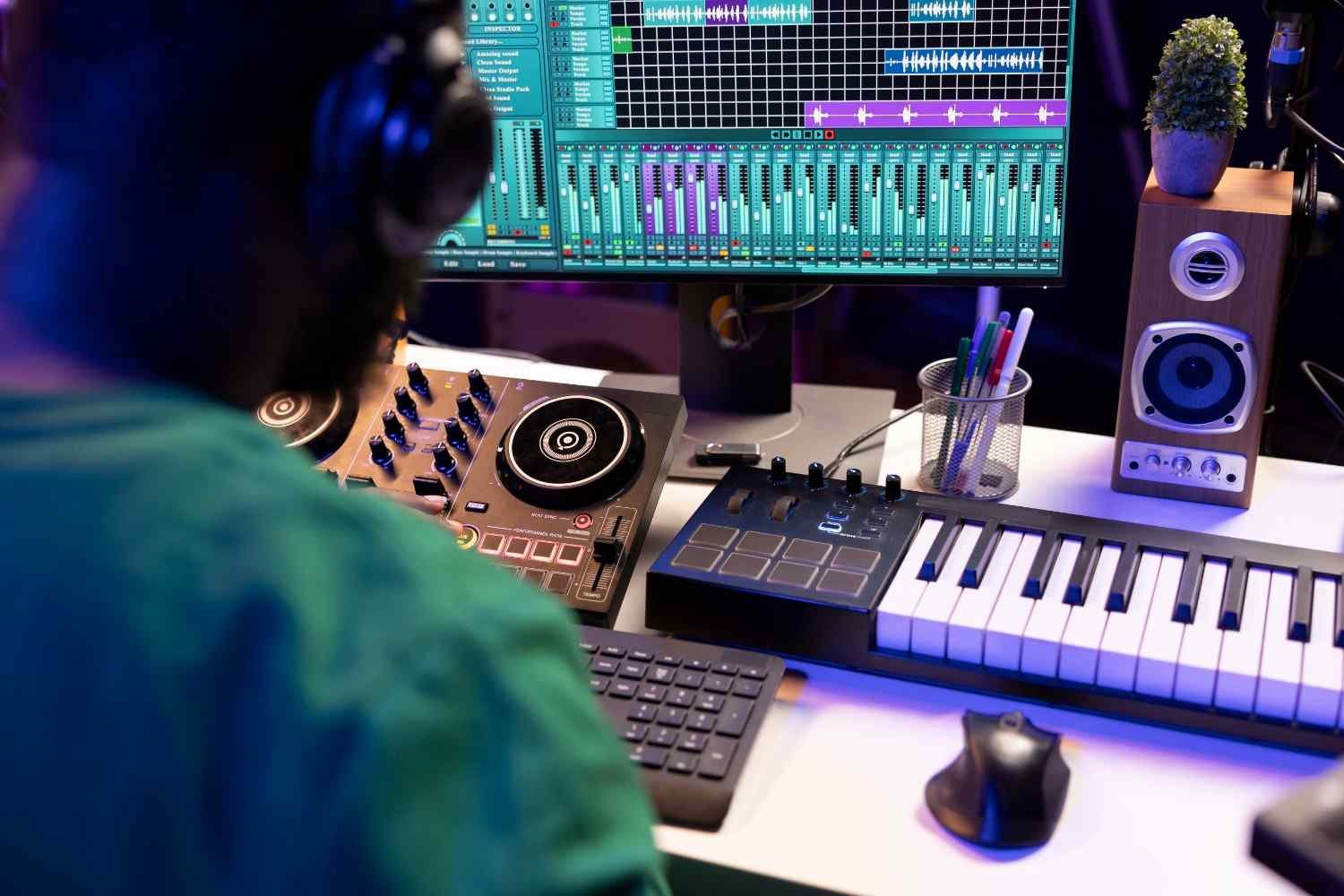
Choosing the right DAW can feel confusing when every platform claims to be the best. I have seen beginners spend more time comparing software than actually making music, and that is the real problem. The best music production software depends on your workflow, operating system, budget, and the kind of music you want to create.
A Digital Audio Workstation, or DAW, lets you record vocals, arrange beats, edit audio, use virtual instruments, mix tracks, and export finished songs. For US-based creators building home studios, producing hip-hop beats, recording podcasts, or tracking live bands, the right software can make the entire process faster and more enjoyable.
What DAW Should You Choose First?
Before choosing a DAW, I always look at three things: the music style, the computer, and the learning curve. A beatmaker in Atlanta may need a fast step sequencer. A singer-songwriter in Nashville may need clean vocal recording and strong stock instruments. A producer in Los Angeles working with bands may need professional editing and studio compatibility, especially when starting a music career with serious long-term goals.
There is no single perfect choice for everyone. Ableton Live, FL Studio, Logic Pro, Pro Tools, GarageBand, Cakewalk, Waveform Free, and REAPER all serve different needs. The smart move is to match the software to the way you actually create.
Ableton Live 12: Best for Electronic Music and Live Performance
Ableton Live 12 is one of the strongest DAWs for electronic music, EDM, techno, house, hip-hop production, and live performance. Its biggest advantage is the dual workflow. You can use Session View to test loops, trigger clips, jam with ideas, and build arrangements without feeling locked into a traditional timeline.
I like Ableton Live for producers who think in loops, samples, textures, and live arrangements. Its clean layout, powerful stock instruments, MIDI tools, and performance-friendly design make it a favorite for electronic producers and stage performers. Ableton also offers different editions, so creators can start smaller and upgrade as their needs grow.
FL Studio: Best for Beat Making, Trap, Hip-Hop, and MIDI
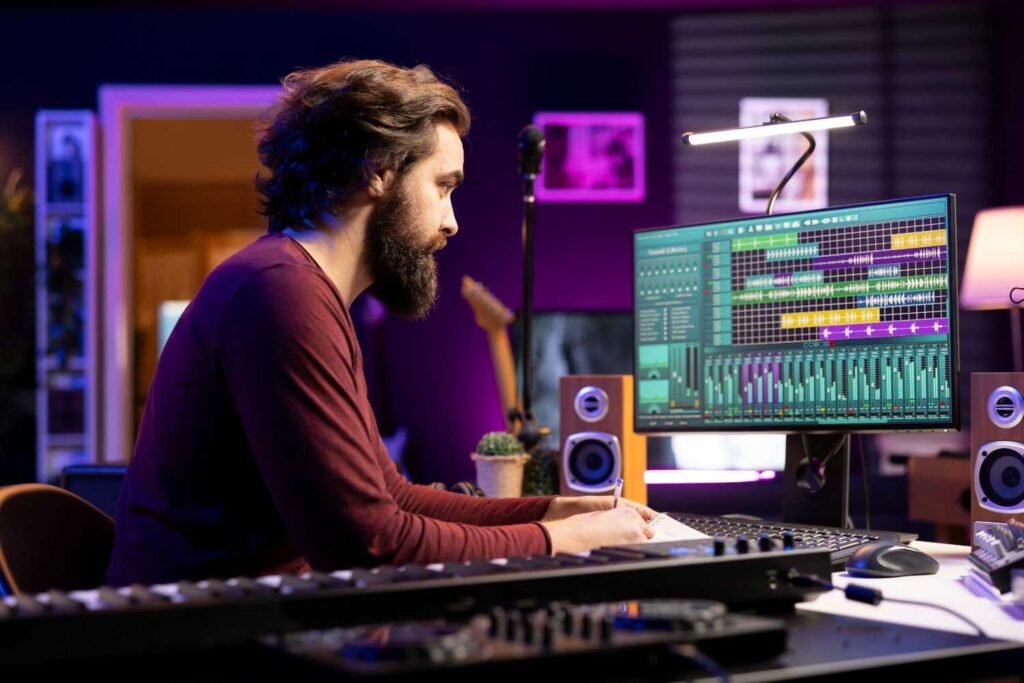
FL Studio is one of the most popular choices for hip-hop, trap, rap, pop, and beat making. Its step sequencer makes drum programming fast, while its piano roll gives producers precise control over melodies, chords, hi-hats, 808s, and MIDI patterns.
For beginners who want to make beats quickly, FL Studio feels visual and direct. You can build patterns, arrange songs, mix sounds, and export tracks without needing a traditional studio background. Another major advantage is Image-Line’s lifetime free updates, which makes FL Studio attractive for budget-conscious producers who do not want to keep paying for every major version.
Logic Pro: Best All-Round Value for Mac Users
Logic Pro is one of the best DAW choices for Mac users who want a professional toolkit without a complicated setup. It works smoothly with Apple hardware and gives creators a strong collection of virtual instruments, loops, mixing plugins, songwriting tools, and advanced production features.
I would recommend Logic Pro to Mac-based singers, producers, podcasters, composers, and home studio owners who want one complete workspace. GarageBand users also get a natural upgrade path because Logic Pro feels like a deeper, more professional version of the same creative environment.
Pro Tools: Best for Recording, Mixing, and Studio Work
Pro Tools remains a major name in commercial studios because it handles recording, editing, mixing, and large audio sessions extremely well. If you want to record live bands, drums, guitars, vocals, or complex multi-mic sessions, Pro Tools gives you a serious professional workflow.
The learning curve is steeper than beginner-friendly DAWs (digital audio workstation), and the subscription model may not appeal to everyone. Still, if your goal is to work in professional studios, collaborate with engineers, or focus on audio editing and mixing, Pro Tools is worth learning.
Best Free DAWs for Beginners
Free software can be a great starting point, especially if you are not ready to invest in a paid DAW. The key is choosing a free option that teaches real production skills instead of limiting your growth too early.
GarageBand for Mac Beginners
GarageBand is the easiest free starting point for Mac, iPhone, and iPad users. It includes instruments, loops, guitar presets, voice tools, and a friendly interface that helps beginners record and arrange music quickly. I like GarageBand because it teaches the basics without making music production feel intimidating.
Cakewalk by BandLab for Windows Users
Cakewalk became popular because it offered a professional-style desktop DAW experience for Windows users. It is useful for recording, arranging, editing, and mixing, especially for beginners who want to understand a more traditional studio workflow without jumping straight into expensive software.
Waveform Free for Cross-Platform Creators
Waveform Free is a strong option for creators who want free music production software on Windows, macOS, or Linux. It is especially helpful for users who want plugin support, unlimited-style creative freedom, and a flexible layout without being tied to one operating system.
REAPER: Best Budget DAW for Serious Learners
REAPER is not always the flashiest DAW, but it offers excellent value. It is lightweight, customizable, affordable, and powerful enough for recording vocals, podcasts, guitars, live instruments, and full mixes. I would not call it the easiest beginner DAW, but it rewards users who enjoy learning and customizing their workflow.
For home studio owners who care about performance, low cost, and flexibility, REAPER can be a smart long-term choice.
Quick DAW Matchup for US Home Studios
If you mainly make electronic music or perform live, Ableton Live 12 is the strongest fit. If you produce trap, hip-hop, rap, or pop beats, FL Studio gives you one of the fastest MIDI and pattern-based workflows.
If you use a Mac and want strong value, Logic Pro is hard to beat. If you record bands, vocals, and professional studio sessions, Pro Tools makes sense. If you are just starting on a Mac, GarageBand is the easiest free path. If you need a free Windows-friendly option, Cakewalk is worth exploring. If you want free cross-platform flexibility, Waveform Free is a practical pick.
How to Choose the Right Music Production Software
When I choose a DAW, I do not start with hype. I start with the kind of work I need to finish. A beginner should look for simple recording, easy MIDI editing, useful stock sounds, and a clear upgrade path. A beatmaker should care about drum sequencing, piano roll quality, sampling, and loop arrangement.
A vocalist should focus on audio recording, comping, pitch tools, EQ, compression, and reverb. A studio engineer should prioritize editing speed, routing, session management, and collaboration.
The best music production software should help you create more often, finish more songs, and avoid unnecessary technical stress.
Frequently Asked Questions (FAQs)
1. What is the easiest DAW for beginners?
GarageBand is the easiest for Mac users, while FL Studio is beginner-friendly for beatmakers. REAPER is affordable but takes more time to learn.
2. Is FL Studio better than Ableton?
FL Studio is better for fast beat making and pattern sequencing. Ableton Live is better for electronic music, sampling, live performance, and clip-based creativity.
3. What DAW do professional studios use?
Many professional studios use Pro Tools because it is strong for recording, audio editing, mixing, and large studio sessions.
4. Can I make professional music with free software?
Yes, free DAWs can produce good results if you learn recording, arrangement, mixing, and sound selection. Paid tools mainly add speed, depth, and fewer limitations.
Final Take
I would not choose a DAW just because a famous producer uses it. I would choose the tool that fits my computer, genre, budget, and creative habits. The best music production software is the one that helps you stop comparing and start creating.
For most creators, FL Studio is excellent for beats, Ableton Live 12 is powerful for electronic music, Logic Pro is the best Mac value, Pro Tools is ideal for serious recording, GarageBand is perfect for Mac beginners, Cakewalk helps Windows users start, Waveform Free works across platforms, and REAPER gives budget-minded producers serious power.